The Featured Image Layout
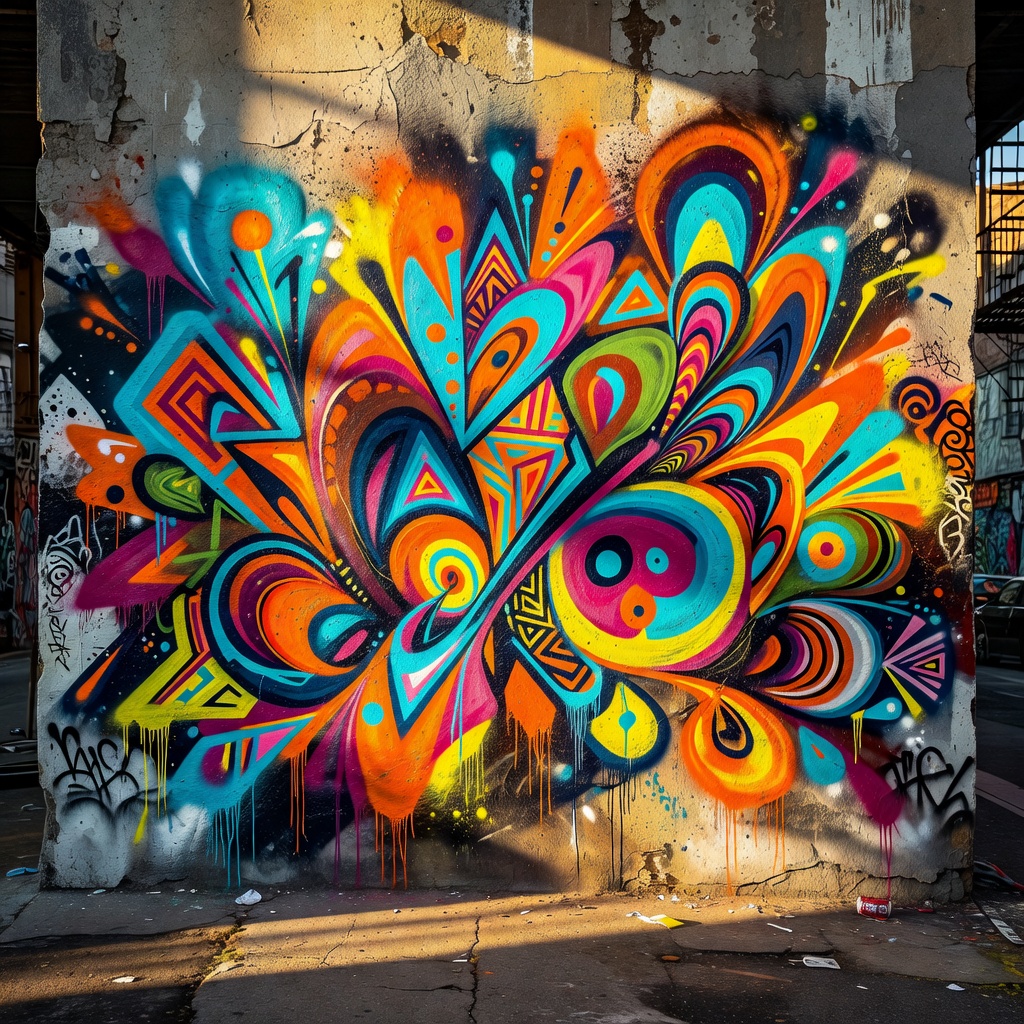
Galore
The featured layout places the article’s image prominently within the content flow. Unlike the banner or hero layouts, the image does not span the full viewport width — it sits within the content column, scaled to fit.
When to Use Featured
This layout suits articles where the image is important but not the primary focus. The image appears after the title and metadata, before the body text — a natural reading order.
Compare this to:
- Banner: full-width image behind the title, immersive
- Hero: large image below the title, dramatic
- Columns: image beside the text, side-by-side
- Background: image behind the entire article, atmospheric
Configuration
Set the layout in your frontmatter:
layout: featured
image:
  src: my-image.jpg
  alt: "Description of the image"
  caption: "Optional caption"
The image is processed by Hugo’s image pipeline, so it will be resized and converted to WebP automatically.